- HELP
- How to use
- Quotation conditions settings
- [Welded Sheet Metal] Quotation Settings
- How to Use the 3D Viewer
How to Use the 3D Viewer
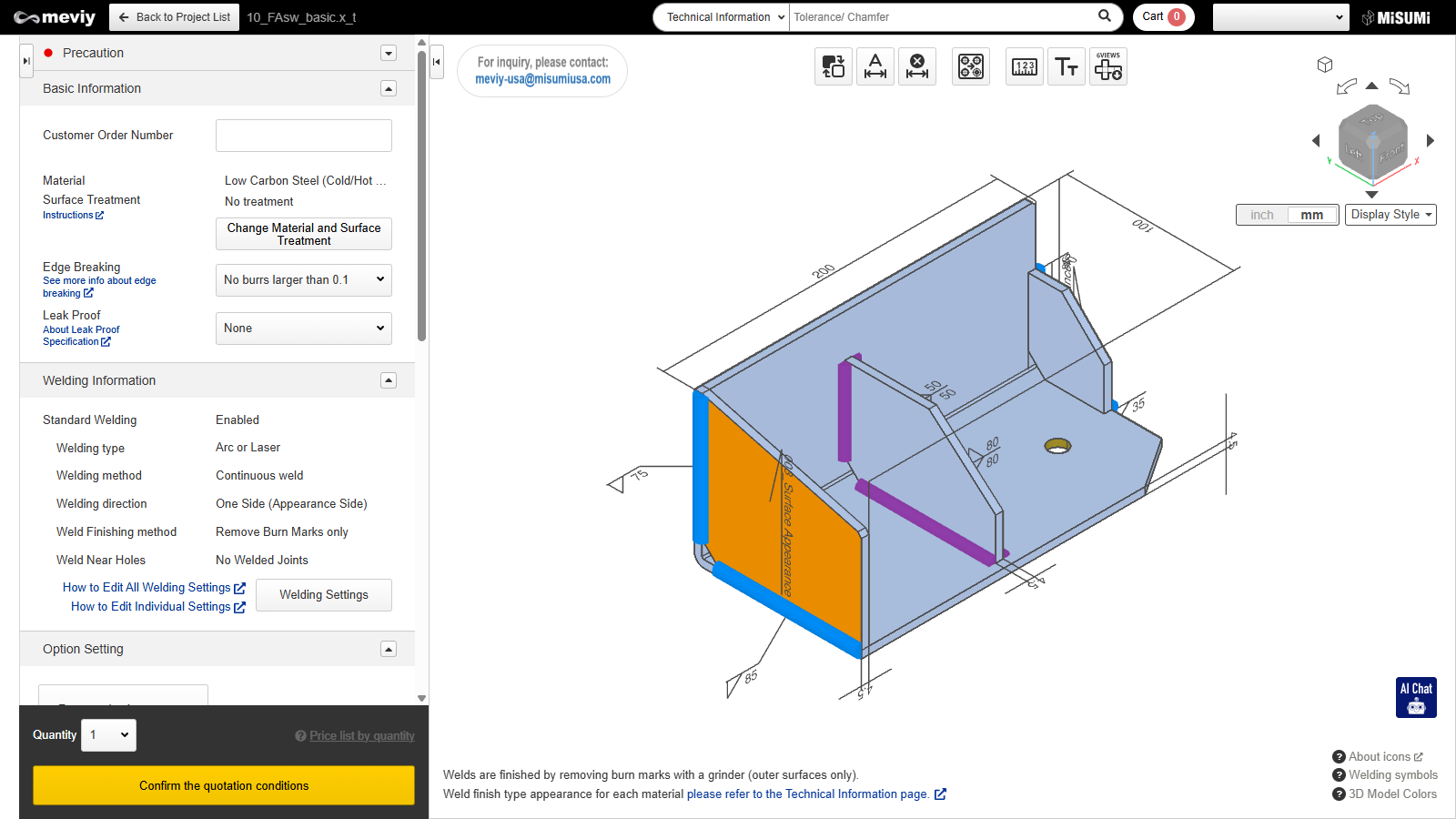

| Function Name | What You Can Do |
|---|---|
| If the external appearance faces identified by meviy (faces colored in dark orange) are different from what you expected, you can invert the internal and external faces. |
|
|
|
|
| You can split holes grouped during shape recognition. → Splitting Grouped Holes |


| Function Name | What You Can Do |
|---|---|
|
This function allows measurement of models uploaded. → Measuring 3D models |
|
You can change the font size → Changing Font Sizes |
|
Download image files that capture each orthogonal direction of the 3D models and arrange them via 3rd angle projection. |


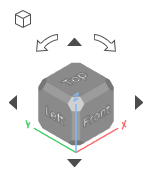
- Rotate the cube to change the orientation of the currently displayed parts.
- Click
 [Isometric View] to return to the isometric view (default orientation),
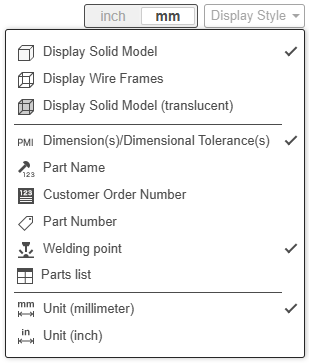
Move the mouse over the  icon to display the display settings menu. Here you can change the 3D model display method, or toggle between displaying or hiding text information, weld location information and BOM table in the 3D viewer.