- HELP
- How to use
- Quotation conditions settings
- [Welded Sheet Metal] Quotation Settings
- Adding/Removing Dimensions
Adding/Removing Dimensions
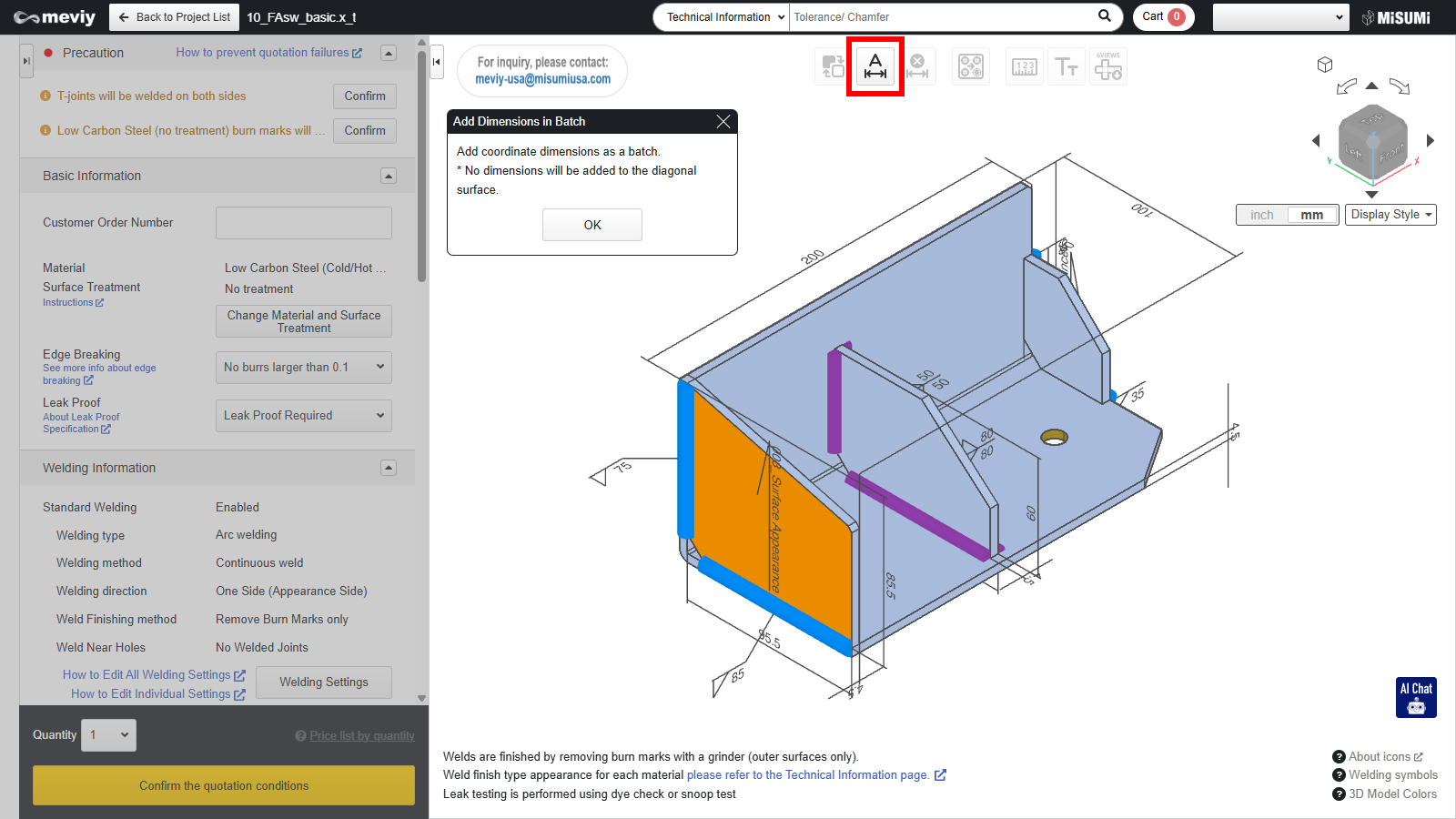
- Click
 and then click [OK] in the displayed dialog box, you will be able to batch add dimension lines to areas for which the dimensions were not initially displayed.
Caution
- Dimensions between separate parts cannot be added using
- For the dimension assurance range, refer to “Allowable Dimensional Tolerances“.
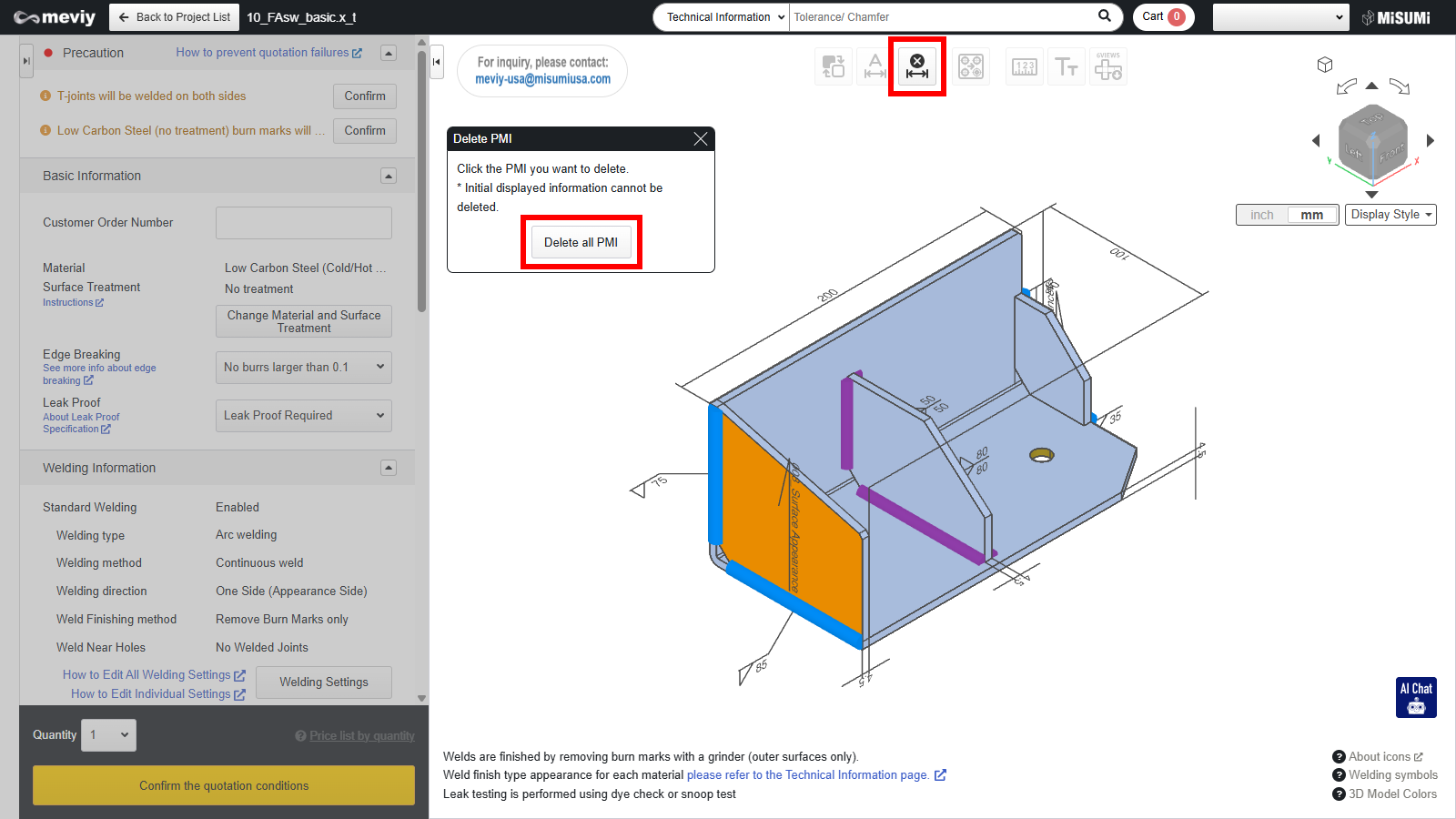
Click  and then click the dimension you want to delete.