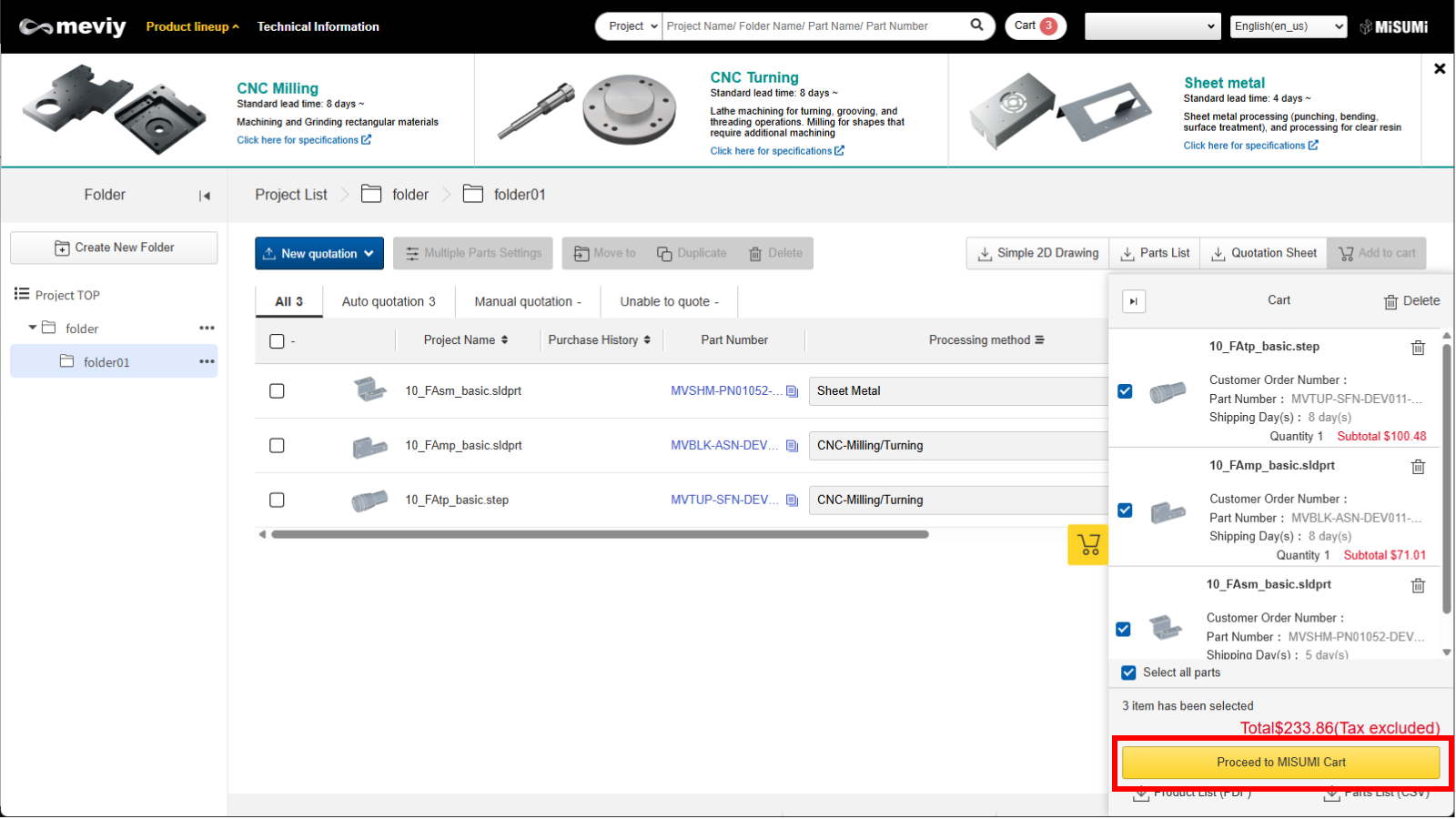
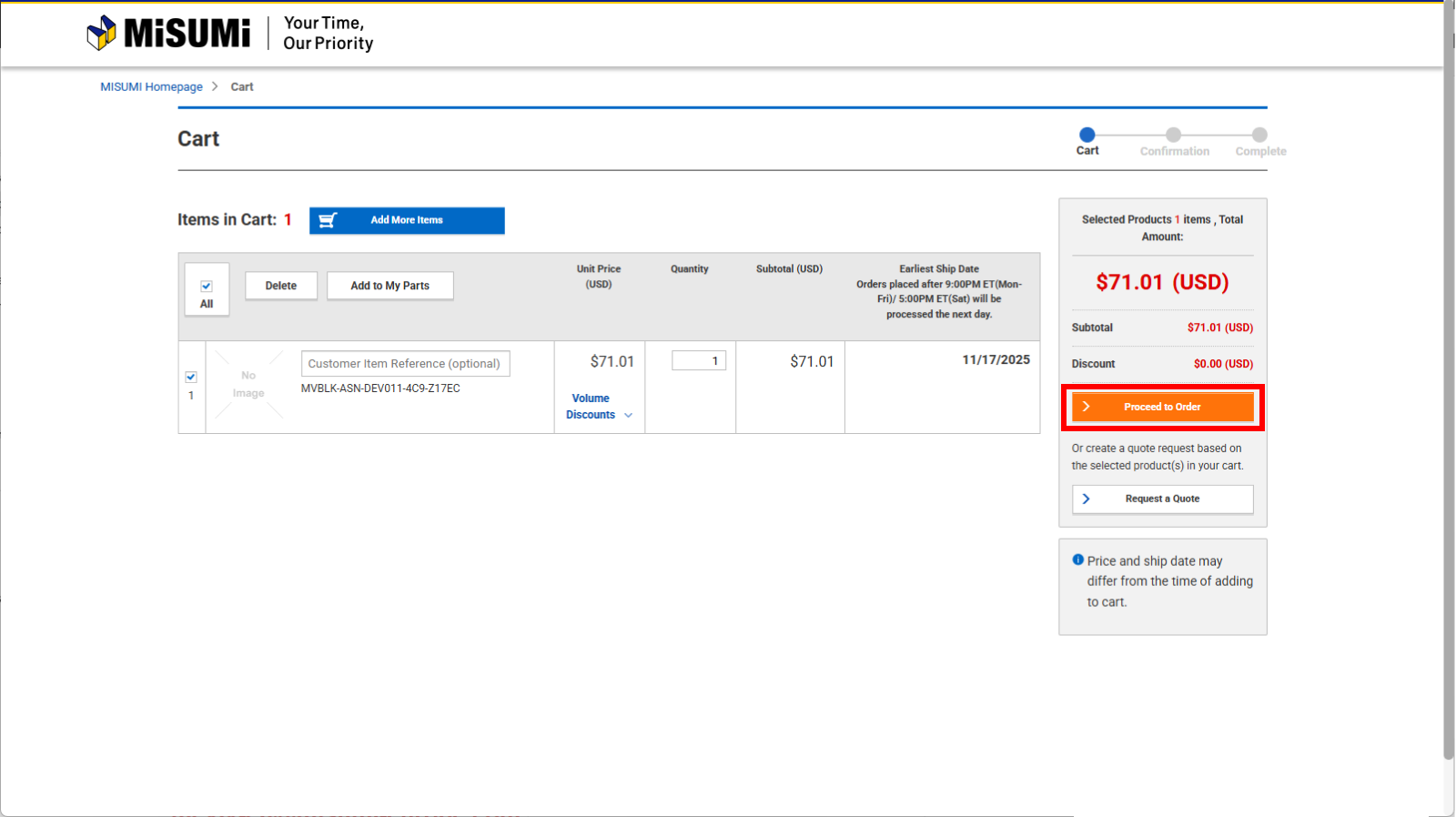
Click the [Proceed to Order] and the MISUMI website screen will be displayed.
Tip
You can click [Product List (PDF)] or [Parts List (CSV)] to download them.
Confirm Order
1. Click [Submit Order].
Caution
Once an order is confirmed, it cannot be changed or canceled. Please check carefully before placing your order (meviy Terms of Service).
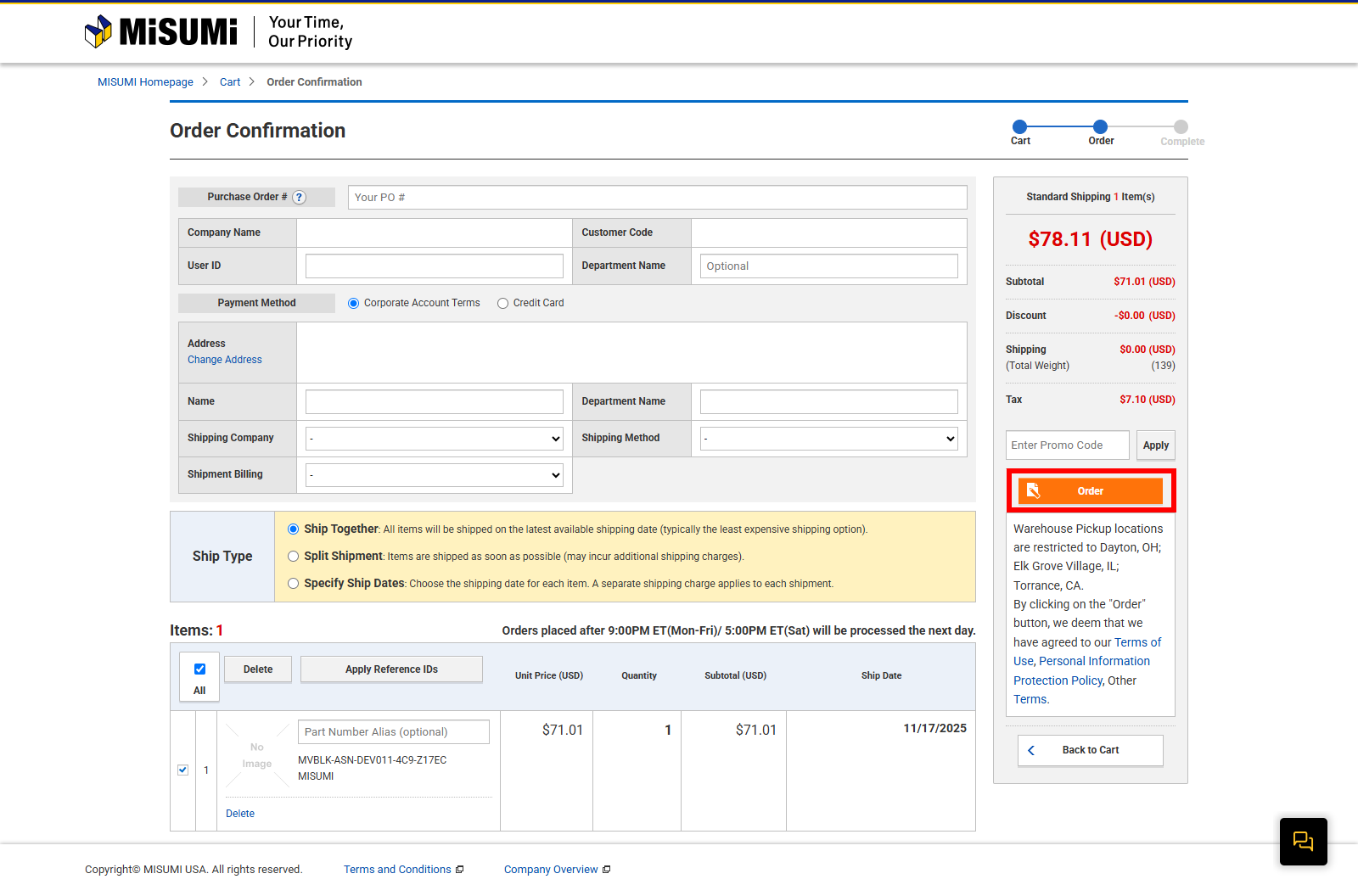
The shipping date is set as the earliest available shipping date by default. To change the shipping date, select the desired date from the drop-down menu. The earliest shipping date may vary depending on the part, particularly when ordering multiple parts.
2. Click [Order].
Order Complete
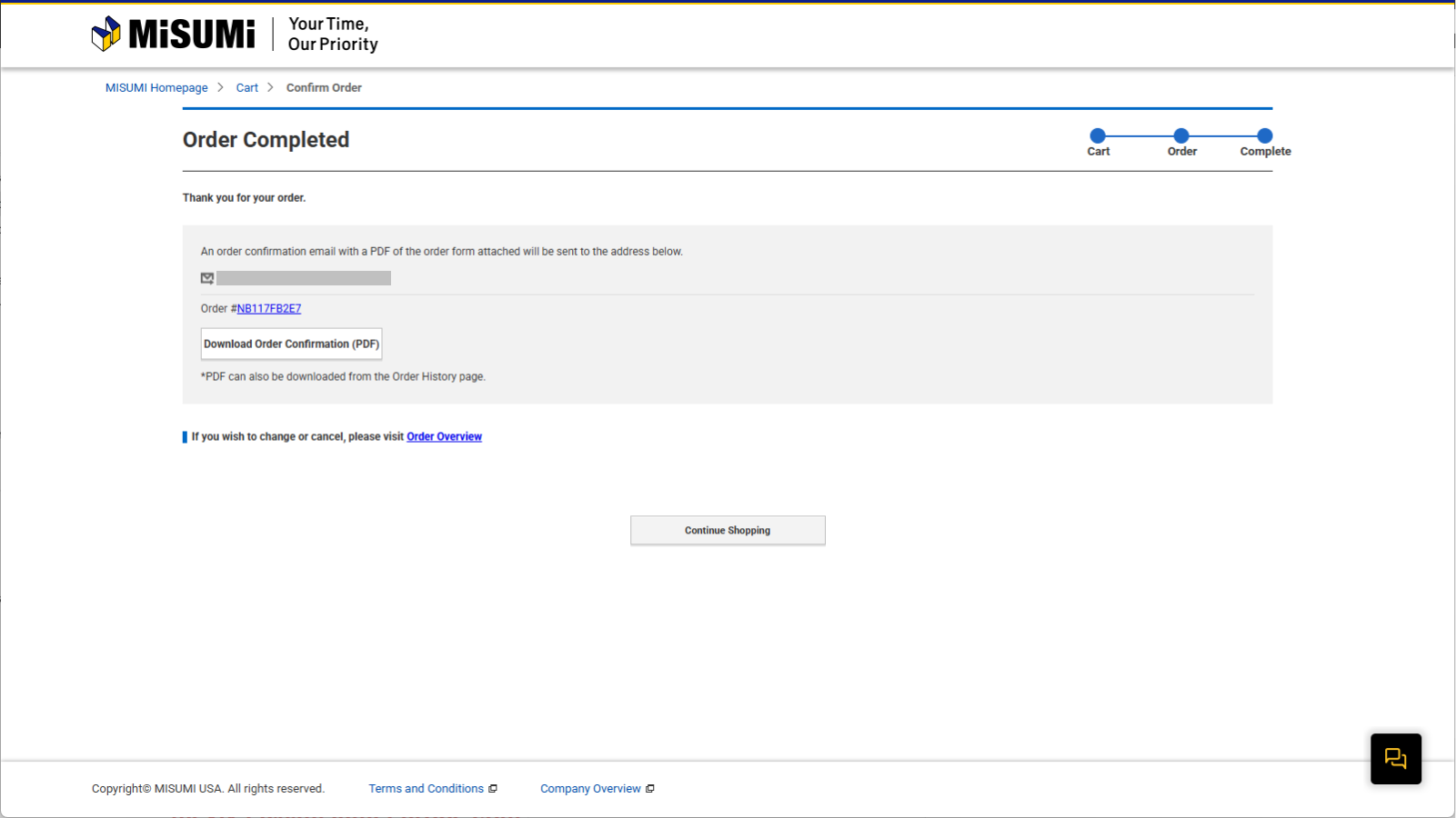
Your order has been confirmed.
An order confirmation email will be sent to the email address you have registered.